
1. Knowledge
This is the first guide in the 4-part Getting Started with Scroll series.
The first rule of AI: Context is king
A strong knowledge base is the foundation of every high quality chatbot or agent.
Scroll takes your knowledge as far as it can possibly go:
It runs your sources through more than fifteen state of the art vision, language and audio models so they are processed with the highest fidelity achievable today.
It builds a deep internal representation of your material, the expert world model, allowing the AI to use your knowledge with maximum intelligence and relevance.
It relies on a grounding engine that anchors every generated insight in as much supporting evidence as possible.
Together, these capabilities ensure your Scroll experts stand out with accuracy, nuance, and depth that are hard to match.
Video Overview
Start by watching this 3-minute walkthrough:
Step by Step
1. Create an expert
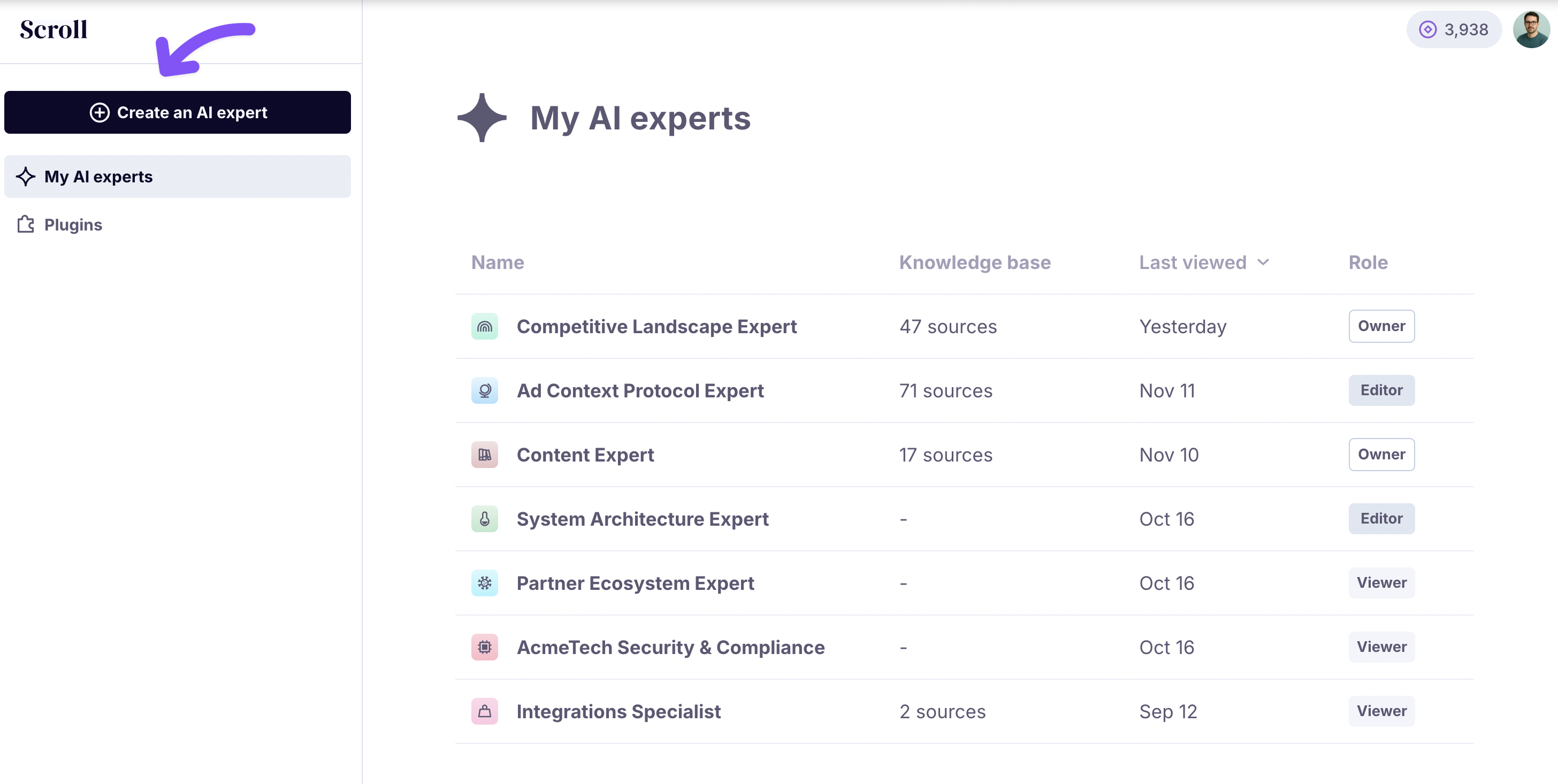
In the Scroll home screen, click on Create an AI expert at the top-left corner of the screen.
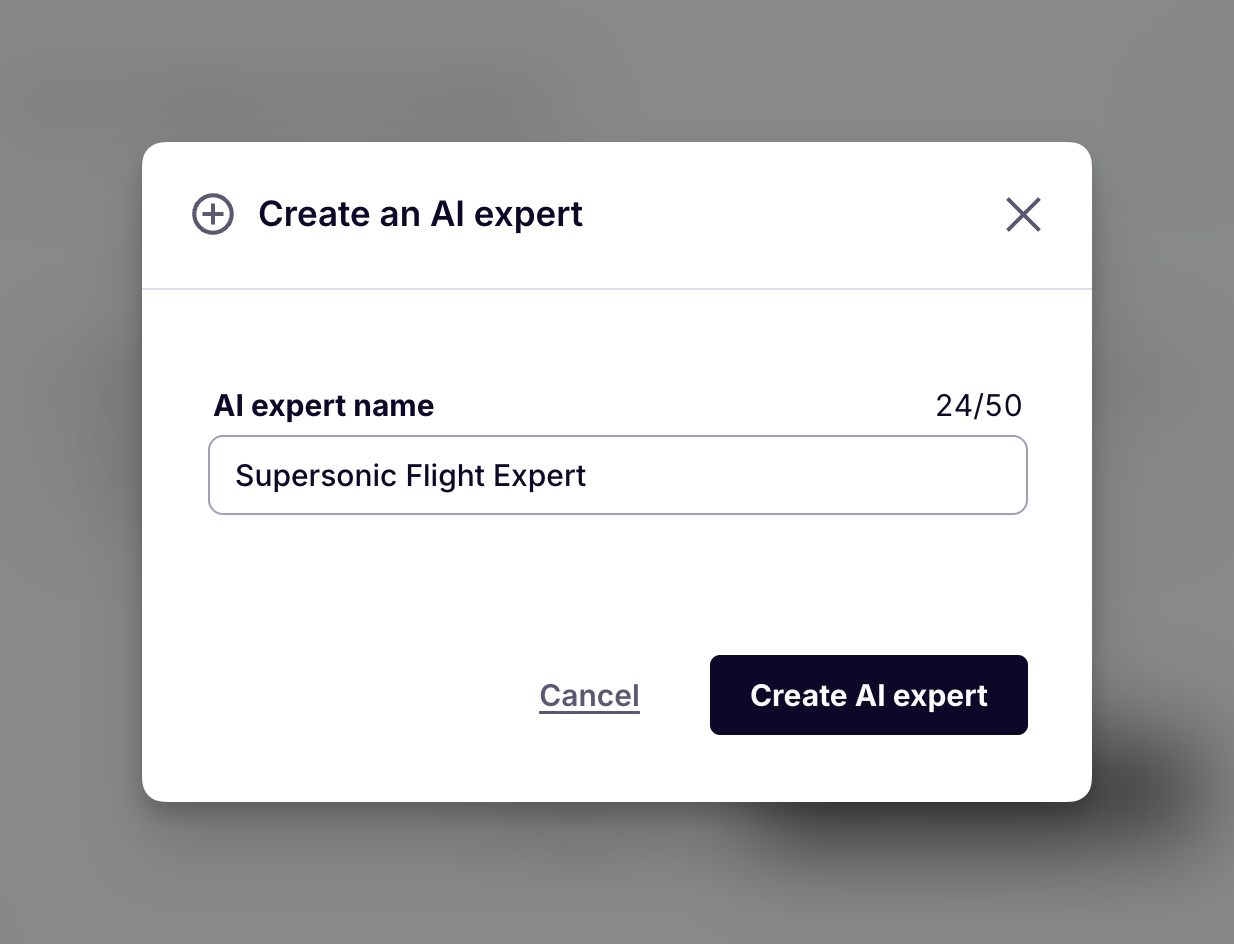
Use a descriptive but concise name. For example:
Competitive Landscape Advisor
Paul Graham Essay Bot
Supersonic Flight Expert
R&D Leadership Coach
2. Add sources
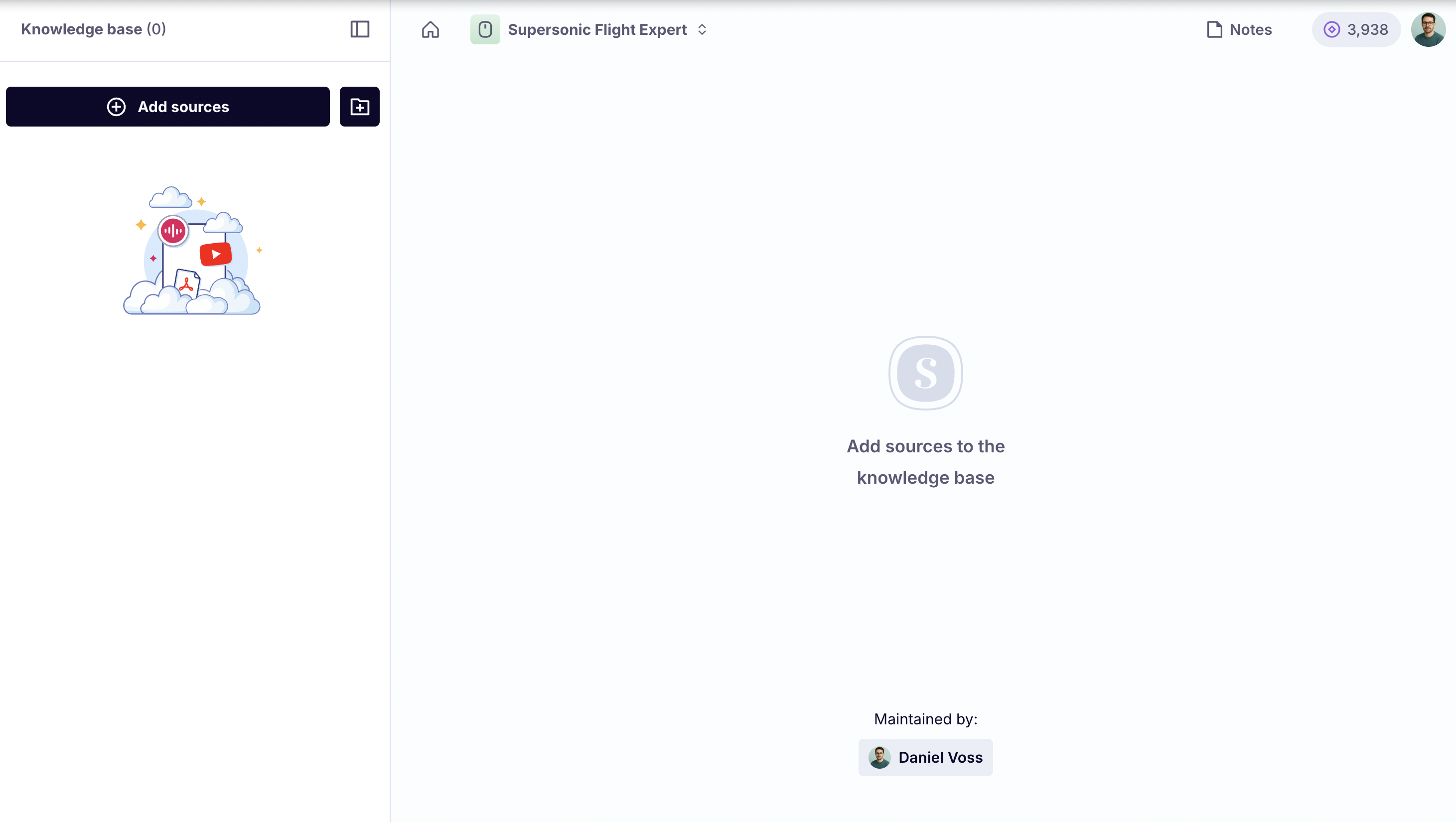
Click on Add sources under Knowledge Base.
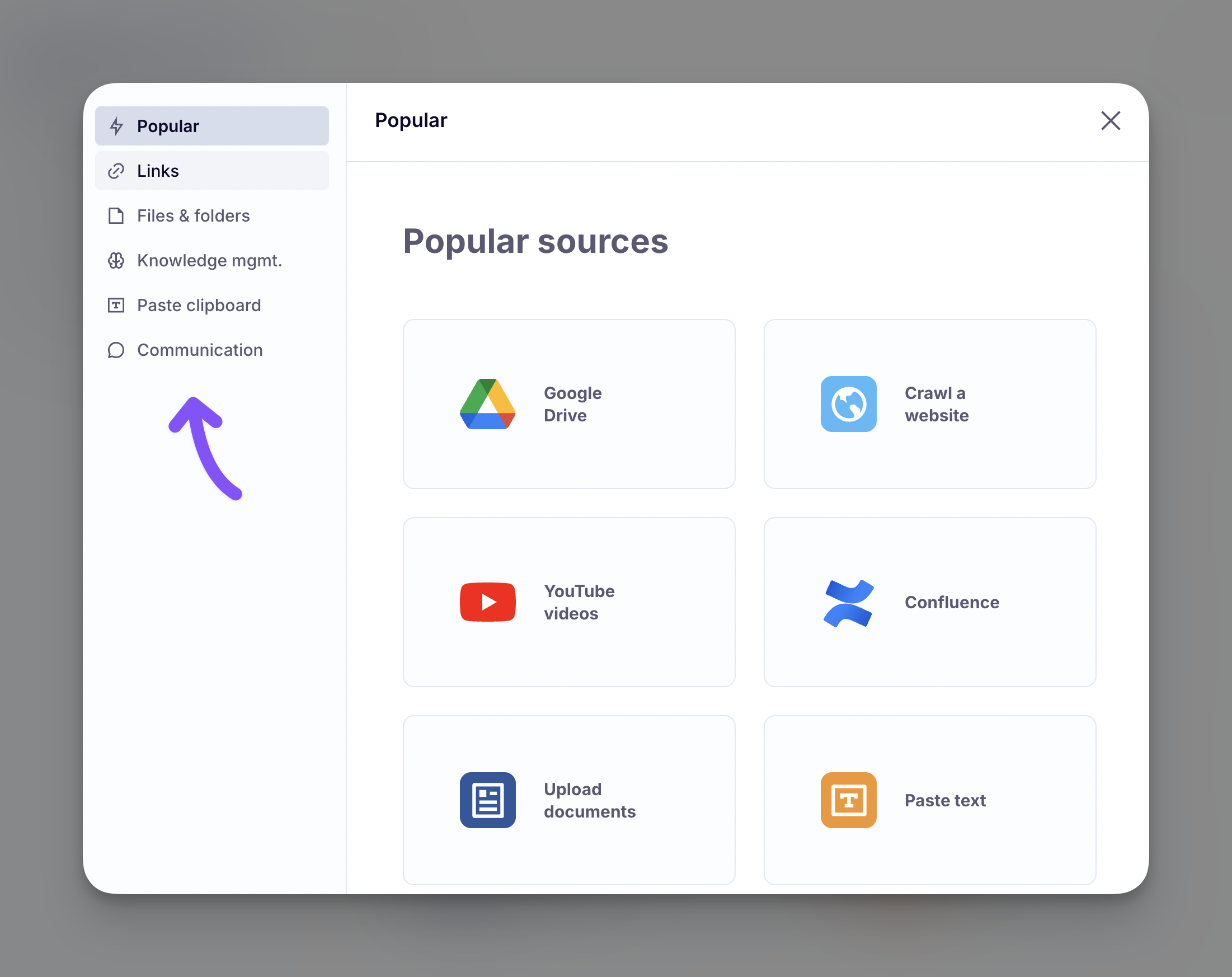
Scroll supports many source formats:
Webpages such as articles and company sites
Knowledge from Notion, Confluence, and HubSpot
Social posts from X, Reddit, Facebook, TikTok, and LinkedIn
Audio and video including webinars, podcasts, and Zoom recordings
Spreadsheets in Excel or Google Sheets
And more
Use the menu on the left to navigate the options. Then follow the respective instructions for each source type.
3. Let Scroll analyze your sources
After you submit a source or a batch of sources, they will not appear instantly.
Scroll will:
Download the sources via APIs or web crawling
Clean them up, removing clutter and ads where applicable
Analyze them with language, audio and vision models
Ingest them into the expert’s knowledge world model
These steps give your expert its unmatched insight quality, and they takes time to do correctly. It is worth the wait.
A notification will appear at the bottom of the screen confirming that your sources are being processed.
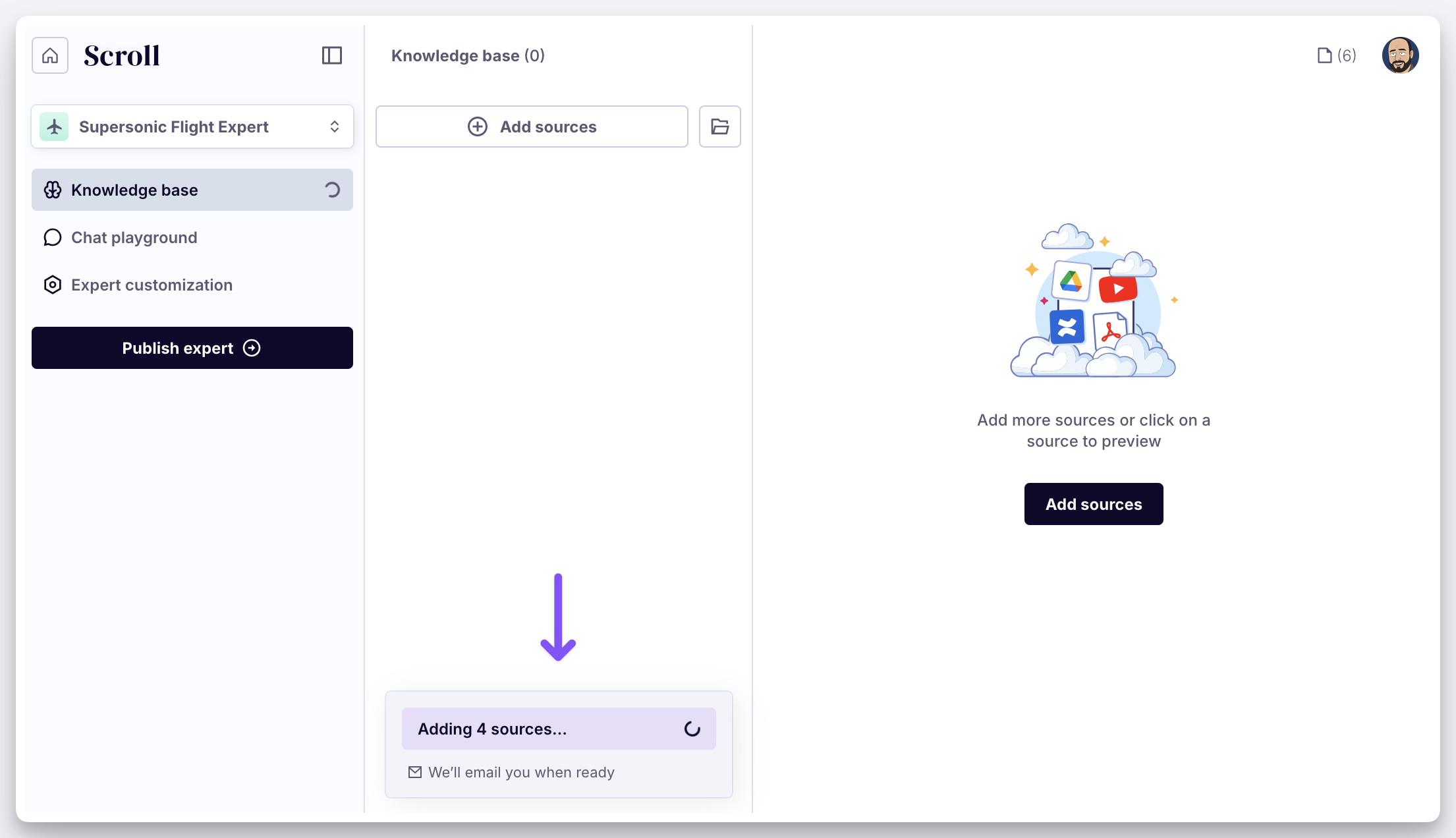
You can wait for your sources to finish processing or go make a cup of coffee. You will get an email when they are ready.
Once ready, they will appear in the Knowledge Base.
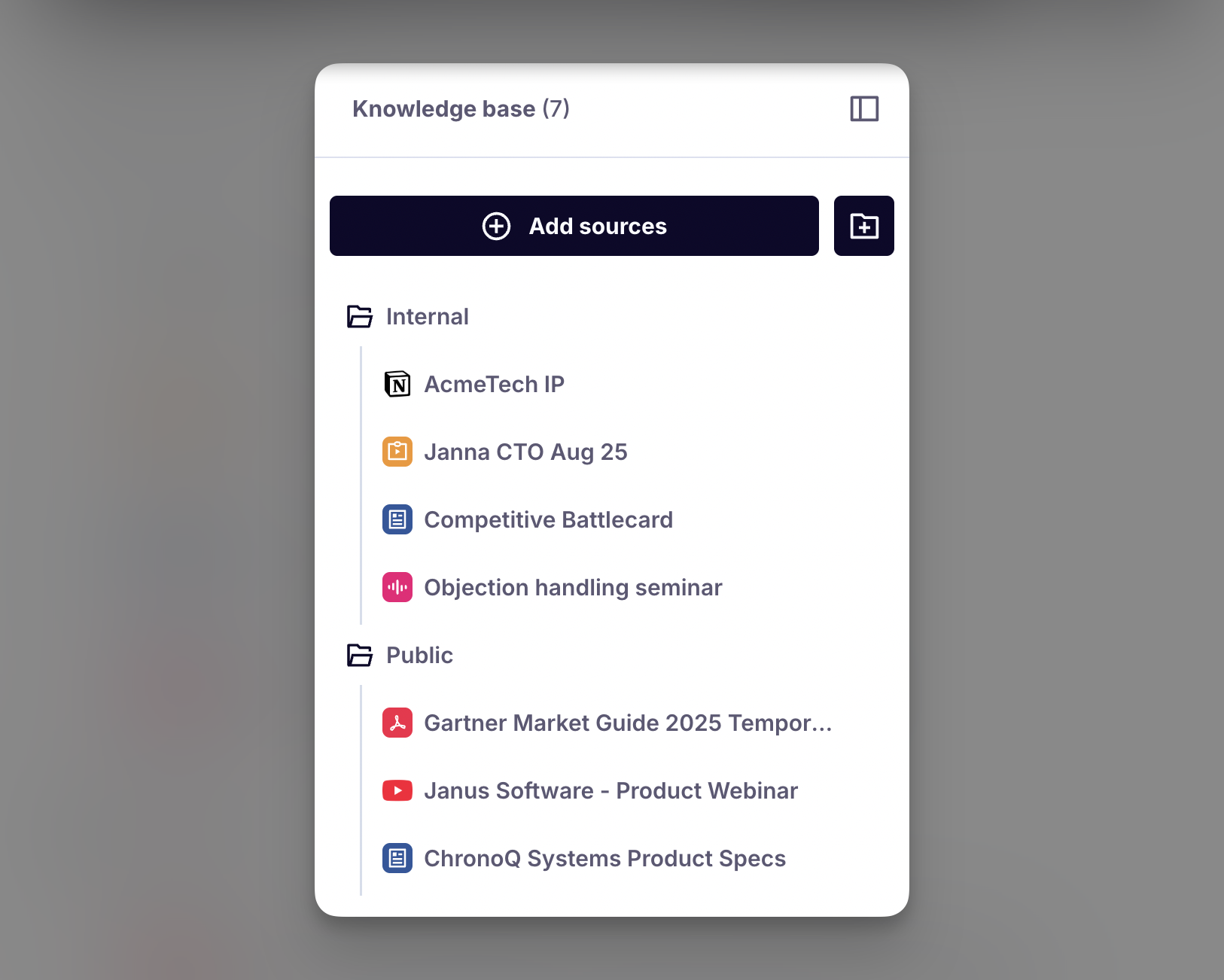
Your knowledge base is ready!
Click on a source to preview how the AI sees it.
You can optionally organize sources into folders using the Create folder button to the right of Add sources.
Best Practices
♻️ Garbage in, garbage out
Remember the context is king rule. The corollary is simple: garbage in, garbage out. If you feed the AI messy knowledge, it cannot reliably tell good from bad.
Most agentic search tools are inclusive by default and try to scan entire systems like Google Drive or Notion. Scroll encourages you to be more selective in what you feed the AI.
Naturally, being too selective creates a maintenance burden. We believe the sweet spot is to bulk import large parts of your knowledge base, while still being deliberate about what actually goes in.
📦 More does not equal better
Don't rush to add many sources to your experts. You will be surprised by how knowledgeable an expert becomes with a small set of inputs.
Here are some guiding principles:
If you are adding long PDFs like books or industry reports, two to four sources are enough for most use-cases.
Audio is far more information dense than most people expect. If you are adding webinars, podcasts, or Zoom recordings, begin with about three hours of content.
Crawling a single help center or documentation site already gives the expert plenty to work with. You'll likely won't need additional sources.
🔬 Specialize your experts
It can be tempting to create one giant expert that covers your entire knowledge base. With Scroll, that's unnecessary and usually counterproductive.
Different audiences need different things. A broad expert tries to serve everyone and ends up serving no one well. Focused, purpose-driven experts deliver sharper answers, stay easier to maintain, and make it obvious which audience each one is built for.
Many of our enterprise customers also choose to specialize their experts because it strengthens security and governance. It makes it easier to reason about who should access each expert.
👉 Continue to the next chapter of the Getting Started guide: 2. Testing